Only 5% of mid-sized businesses globally have fully automated their accounts receivable. The other 95% are still relying on a process that involves sending an invoice, waiting, checking the bank statement, manually matching payments to invoices, chasing the ones that have not arrived, and repeating the whole cycle next month.
In Nigeria, where bank transfers account for 94% of local B2B transactions and reference fields are routinely left blank, the problem is compounded by infrastructure that was never designed to carry structured invoice data. A payment arrives. The finance team sees an amount and a name. Which invoice it settles is a mystery that someone has to solve manually, every single time.
The tools to fix this exist. Setting up automated payment collection in Nigeria is not technically complex. What holds most businesses back is not knowing exactly what it involves or where to start. This guide walks through the setup step by step.
What Automated Payment Collection Actually Means
Automating payment collection does not mean removing the human relationship with customers. It means removing the manual, repetitive, error-prone steps between when an invoice is sent and when payment is confirmed in your records.
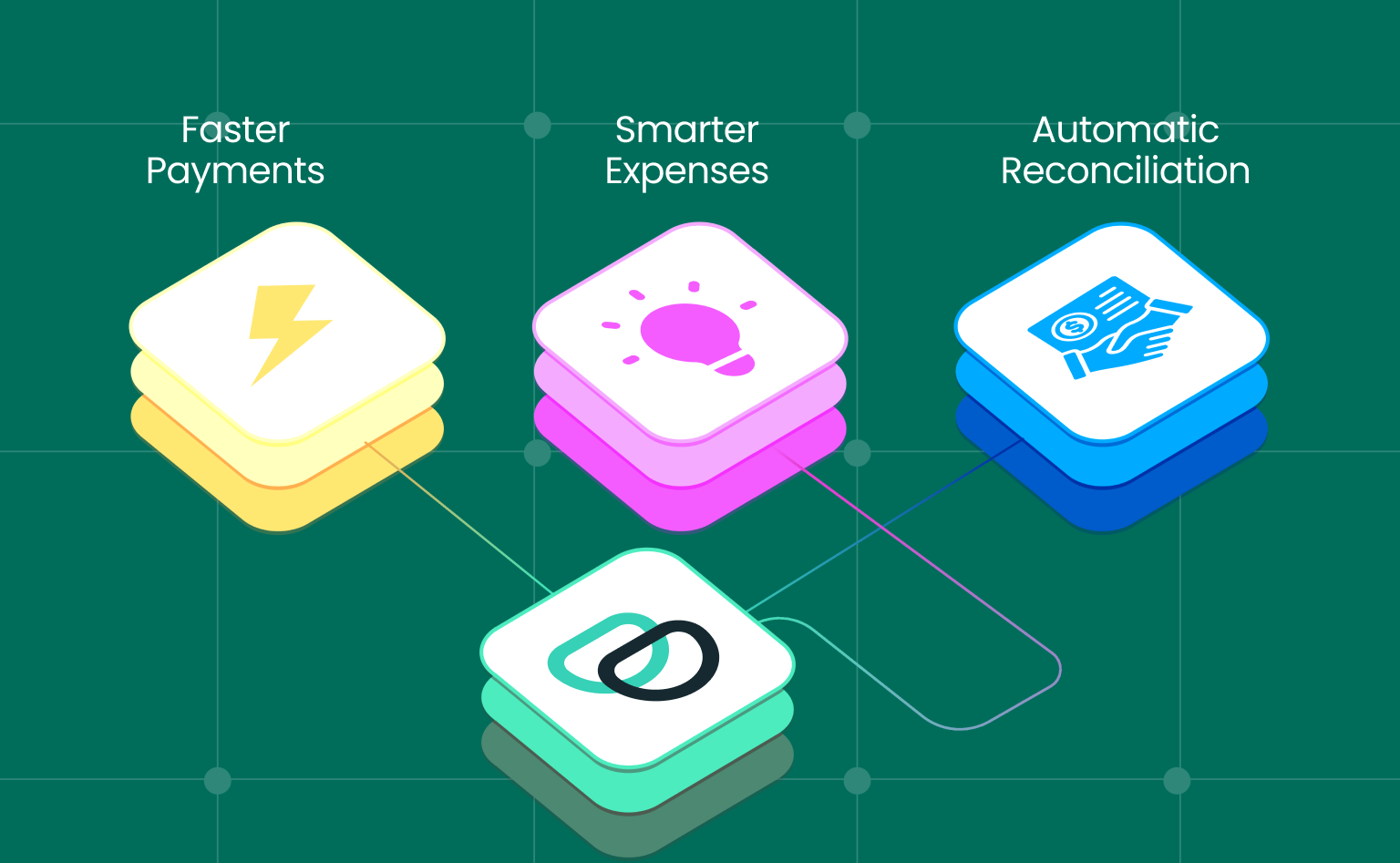
A fully automated payment collection system does four things without manual intervention:
- Sends invoices the moment a job is complete or a billing cycle triggers.
- Assigns a unique payment reference to every invoice so incoming transfers are matched automatically.
- Sends payment reminders at configured intervals without anyone tracking and sending them manually.
- Reconciles every received payment against the correct invoice and posts the entry to your accounting system in real time.
Everything else- the customer relationship, the negotiation of terms, the resolution of disputes- remains human. The automation handles the administrative layer that currently consumes finance team time without generating any revenue.
Step 1: Audit Your Current Collection Process
Before setting up automation, document how payment collection currently works in your business. Map each step from invoice creation to payment confirmed in your records and note where time is being lost.
The most common time sinks in manual Nigerian collection processes:
- Invoice creation: done manually at irregular intervals, sometimes days after delivery.
- Invoice delivery: emailed as a PDF attachment with no payment link.
- Payment matching: done manually by comparing bank statement entries to open invoices.
- Follow-up: dependent on a team member remembering to send a reminder.
- Reconciliation: a month-end exercise that takes days.
Knowing exactly where your current process breaks down tells you which automation steps will deliver the most immediate improvement. For most Nigerian businesses, the highest-impact fix is the payment matching problem, which virtual accounts solve completely.
Step 2: Set Up Virtual Accounts for Every Customer
Virtual accounts are the foundation of automated payment collection in Nigeria. A virtual account is a unique account number assigned to a specific customer. When that customer makes a bank transfer, the payment arrives pre-tagged to their account. The matching is automatic. The finance team does not have to investigate.
Virtual accounts now facilitate 75% of all business transactions processed through business payment platforms in Nigeria. The reason is simple: they solve the unmatched transfer problem that makes manual reconciliation necessary.
How to set up virtual accounts:
- Sign up on a payment platform that supports virtual account issuance, such as Duplo.
- Create a customer record for each business you regularly invoice.
- The platform assigns a unique virtual account number to each customer automatically.
- Share the assigned account number with the customer as their dedicated payment account.
- Every transfer from that customer to that account number is automatically matched to their outstanding invoices.
For businesses with a large customer base, virtual account assignment can be automated through API integration with your existing invoicing or ERP system.
Step 3: Switch to Digital Invoices With Embedded Payment Links
A PDF invoice requires the customer to initiate a transfer manually. A digital invoice with an embedded payment link reduces that to a single click. Businesses that send invoices digitally are paid 4 to 28% faster than those relying on manual processes.
What a digital invoice with a payment link does:
- Opens a pre-filled payment page when the customer clicks the link.
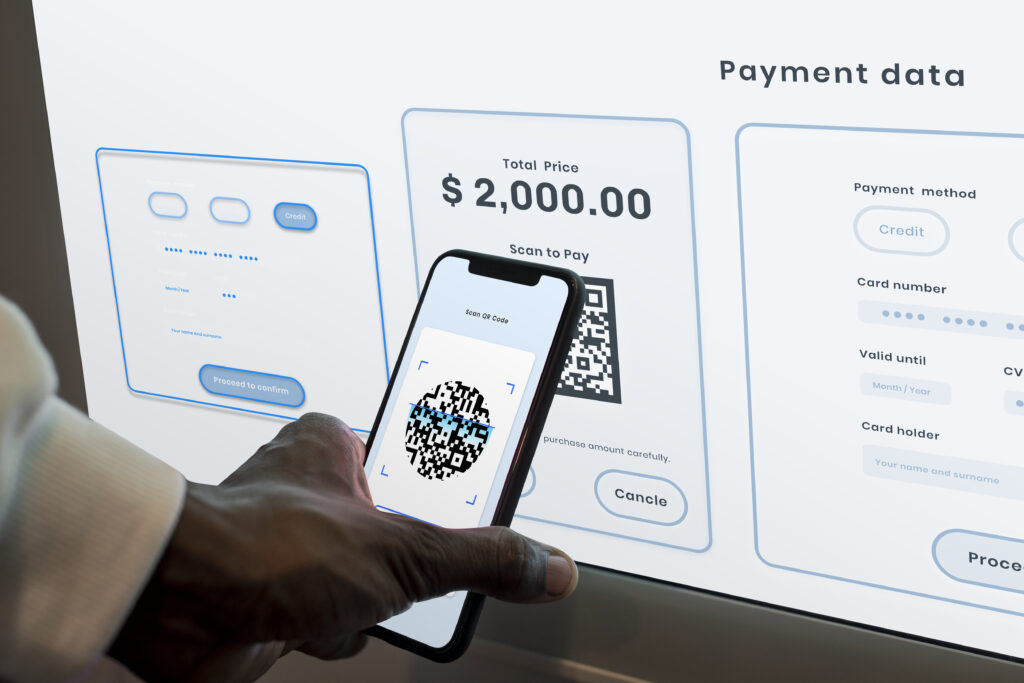
- Supports bank transfer, card, and other payment methods without the customer needing to copy account details.
- Captures the payment reference automatically, eliminating the blank reference field problem.
- Marks the invoice as paid in your system the moment payment is confirmed.
For NRS-compliant businesses, the digital invoice also carries a valid Invoice Reference Number, satisfying the mandate that invoices include a verified IRN before being sent to customers
Step 4: Configure Automated Payment Reminders
Payment reminders sent manually are inconsistent because they depend on someone remembering to send them at the right time. Automated reminders go out on schedule regardless of how busy the finance team is.
A simple reminder sequence for Nigerian B2B businesses:
- Reminder 1: Three days before the due date. Friendly, confirms the invoice details and payment method.
- Reminder 2: On the due date if payment has not been received. Clear, includes the payment link prominently.
- Reminder 3: Three days after the due date. Direct, notes the overdue status and asks for an update.
- Reminder 4: Seven days after the due date. Escalation tone, mentions any late payment terms.
Configure these once in your payment platform, and they run automatically for every invoice. The finance team receives a notification when payment arrives and when an invoice passes each reminder stage without payment.
Step 5: Connect to Your Accounting System
The final step in automated payment collection is eliminating manual data entry into your accounting system. When your payment platform integrates natively with QuickBooks, Sage, or Xero, every confirmed payment posts automatically to the correct account in your chart of accounts in real time.
Month-end close becomes a confirmation of what your accounting system already reflects, rather than a reconciliation exercise that requires matching bank statements to invoices manually across potentially hundreds of transactions.
How Duplo Handles Automated Payment Collection
Duplo gives Nigerian businesses all five steps of automated payment collection in a single connected platform.
Virtual accounts assigned to each customer automatically. Every transfer pre-matched to the correct invoice without manual intervention.
Digital invoices with payment links. Generate and send invoices with embedded payment links directly from the platform. NRS-compliant with a valid IRN on every invoice.
Automated reminders. Configure reminder sequences by due date. Reminders go out without manual tracking. Overdue invoices flagged in real time.
Multi-currency collections. Receive payments in USD, EUR, and GBP directly into naira wallets. International customers pay in their currency without additional friction.
The Path Forward
Manual payment collection is a process that was designed for a smaller, simpler business than the one you are running today. Every manual step between an invoice being sent and a payment being confirmed in your records is a step that consumes finance team time, introduces the risk of error, and scales badly as your customer base and invoice volume grow.
Setting up automated payment collection does not require a complex implementation. With a platform like Duplo, virtual accounts, digital invoices, automated reminders, and accounting integration can be live in days. Start at tryduplo.com/payment-collections.
👉 Duplo is built for Nigerian businesses that are ready to make the shift. Speak with a member of our team today. Click here!
Frequently Asked Questions
What is automated payment collection for Nigerian businesses?
Automated payment collection is a system that handles the administrative steps of getting paid without manual intervention: generating and sending invoices, matching incoming payments to the correct invoices, sending payment reminders on schedule, and reconciling every transaction into your accounting system. It removes the manual work between an invoice being sent and a payment being confirmed in your records.
How do virtual accounts work for payment collection in Nigeria?
A virtual account is a unique bank account number assigned to a specific customer. When they make a bank transfer to that number, the payment is automatically matched to their outstanding invoice without any manual intervention. Virtual accounts now facilitate 75% of Nigerian B2B transactions precisely because they solve the unmatched transfer problem that makes manual reconciliation necessary.
How long does it take to set up automated payment collection in Nigeria?
With Duplo, the full setup including virtual accounts, digital invoices with payment links, automated reminders, and accounting integration can be completed in days. The process does not require a lengthy technical implementation or professional services engagement.
Can I collect payments in foreign currencies automatically?
Yes. Duplo supports automated collection in USD, EUR, and GBP directly into multi-currency wallets. Payments from international customers arrive in the currency they sent, matched to the correct invoice automatically, and held in the relevant currency wallet until you choose to convert.