Most Nigerian businesses collect payments the same way they did ten years ago: send an invoice, wait for a bank transfer, check the statement, match the payment manually, update the records. The process works. It also consumes hours of finance time every week, introduces errors at every manual step, and scales badly as the business grows.
83% of businesses globally have not fully automated their accounts receivable, leaving avoidable delays and revenue leakage in every billing cycle. Nearly 90% report that 30% of their invoices are paid late. For companies extending payment terms beyond 30 days, this costs an average of 4.6% of annual revenue in payment uncertainty.
In Nigeria, where bank transfers account for 94% of local business transactions and reference fields are routinely left blank, the problem is compounded by infrastructure that was never designed to carry structured invoice data.
The tools to fix this exist. The infrastructure is in place. Automating payment collections in Nigeria is not technically complex. What holds most businesses back is not knowing exactly what automation involves and how to set it up.
This is that guide.
What Payment Collections Automation Actually Means
Automating payment collections does not mean removing the human relationship with your clients. It means removing the manual, repetitive, error-prone steps between a payment arriving and your records reflecting that it arrived.
A fully automated collections workflow:
- An invoice is generated and sent to the client, with a unique virtual account number embedded as the payment destination.
- The client pays via bank transfer to that account, exactly as they normally would.
- The payment arrives. The gateway matches it instantly to the correct invoice using the virtual account number.
- A webhook fires to your business system, updating the invoice status to paid.
- The reconciled data pushes to your accounting software (Xero, QuickBooks, or Sage) via API.
- Your finance team sees a clean, updated accounts receivable ledger with no manual input required.
The client’s experience is unchanged. The operational experience for your finance team changes entirely. Mid-sized companies that deploy AR automation shave an average of seven days off DSO and save $440,000 per year through labour elimination and early-payment capture, according to research by The Hackett Group.
The Two Setup Paths: No-Code and API
Depending on your technical resources, there are two ways to implement automated payment collections. Both arrive at the same outcome: payments matched to invoices automatically, in real time, without manual intervention.
Path 1: No-Code Setup (Days, Not Weeks)
For businesses without in-house development resources, or those that want to be collecting automatically within days, the no-code path is the right starting point.
With Duplo, the no-code setup involves five steps:
- Create a Duplo account and complete KYC verification.
- Set up your client list in the Duplo dashboard.
- Generate virtual accounts for each client (a few clicks per client in the dashboard).
- Issue invoices from within the Duplo platform, or use the payment link feature to send invoice-linked collection requests.
- Connect your accounting software (Xero, QuickBooks, or Sage) via the Duplo integration.
From this point, every bank transfer a client makes to their assigned virtual account is automatically matched, recorded, and synced to your accounting system. No development required. Most businesses are live within one to two business days.
Path 2: API Integration (Full Automation for Developers)
For businesses with development resources, or those building payment collections directly into a product or platform, API integration provides full programmatic control. This is also the right path for businesses that want collections embedded into an existing ERP or invoicing system.
Step 1: Create a virtual account
Your application sends a request to the gateway API with the customer or invoice details. The gateway responds with a unique Nigerian bank account number and bank name. This account is now dedicated to that client or invoice and ready to receive payments.
Step 2: Receive payment notification via webhook
When your client makes a bank transfer to that account, the gateway detects the incoming funds instantly and fires a webhook to your application. The webhook carries everything your system needs: which virtual account received the payment, the amount, the invoice reference, and the exact timestamp. No polling required. No manual checking. The notification arrives the moment the money does.
Step 3: Update your system and sync to accounting
Your application processes the webhook, marks the invoice as paid, and pushes the reconciled data to your accounting software. Xero, QuickBooks, and Sage all connect via the gateway’s API integration, so the update happens in real time without any manual entry.
That three-step pattern, create a virtual account, receive a webhook, update your records, is the complete foundation of automated B2B payment collections for any Nigerian business building on the API path.
Handling the Edge Cases That Break Manual Processes
Full collections automation requires handling the scenarios that cause the most manual work:
- Partial payments: A client pays ₦450,000 against a ₦500,000 invoice. A properly configured gateway records the partial payment, calculates the outstanding balance, and keeps the invoice visible in your receivables as partially settled. Your finance team sees the shortfall automatically, without any manual reconciliation.
- Overpayments. A client pays ₦550,000 against a ₦500,000 invoice. The gateway flags the overpayment and records the excess. Your system applies it as credit against the next invoice or triggers a refund workflow depending on your configuration.
- Duplicate payments. The same client pays twice against the same invoice. Both payments are recorded and the duplicate flagged for review. No payment is silently absorbed.
- Multi-invoice clients. A client with three outstanding invoices makes a single payment covering one and a half of them. With permanent per-client virtual accounts, the payment is received and your system applies allocation logic to distribute it across outstanding invoices programmatically.
- Payments with no reference. With virtual accounts, the reference field is irrelevant. The account number itself carries all the attribution data. A payment with a blank reference is still perfectly matched.
What Automated Collections Is Worth: Three Ways to Measure It
Time savings
A business processing 50 to 100 invoices per month typically spends 8 to 12 hours per week on manual payment matching, chasing references, and updating records. Automated collections reduces this to 20 to 30 minutes of exception handling per week. At a loaded hourly cost of ₦2,500 to ₦3,500 for a mid-level finance officer in Lagos, that is ₦1.2 million to ₦1.7 million per year in recoverable labour.
DSO reduction
Days Sales Outstanding (DSO) is how long it takes from issuing an invoice to cash in your account. Manual collections processes extend DSO because matching delays, reference chasing, and reconciliation backlogs all add days between payment and recognition. Automating these steps shortens the cycle. Mid-sized firms that automate AR processes shave an average of seven days off DSO, improving working capital meaningfully.
Cash flow accuracy
When accounts receivable is updated manually, it is always behind reality. Automated collections means your receivables ledger reflects the actual position in real time. Cash flow forecasting becomes significantly more accurate when the underlying data is live rather than two days stale.
What to Look for in a Collections Gateway for Nigeria
Not all payment gateways support collections automation properly. When evaluating options, ask these specific questions:
Virtual accounts: Does the gateway support both permanent (per-client) and dynamic (per-invoice) accounts? How many banking partners does it use for virtual account issuance? More partners means higher resilience and better collection success rates.
Real-time webhooks: Does the gateway fire payment notifications on arrival, or batch them at intervals? Batched notifications delay every downstream process.
Partial payment handling: Are partial payments tracked automatically with outstanding balances visible in real time?
Accounting integrations: Does it sync directly with Xero, QuickBooks, or Sage without manual data export?
NRS e-invoicing compatibility: For Nigerian businesses in Phase 1 or 2 of the NRS rollout, your collections platform and your invoicing system must be integrated with the NRS Merchant Buyer Solution. A collections gateway that does not support NRS compliance creates a separate workflow and a VAT recovery risk. Read the full NRS e-invoicing guide here.
Developer support quality: If you are on the API path, the quality of documentation, sandbox coverage, and technical support directly determines how quickly and reliably you build.
Frequently Asked Questions: Automated Payment Collections Nigeria
- How long does it take to set up automated payment collections in Nigeria? With the no-code path, most businesses are live within one to two business days, including accounting integration. The API path typically takes a few days of engineering work for a basic integration and longer for complex ERP embeds.
- Do clients need to change how they pay? No. Virtual accounts receive standard bank transfers from any Nigerian bank via the National Payment Stack. Your clients pay to a Nigerian account number exactly as they always have. Every change happens entirely on your side.
- What happens to payments that do not match any open invoice? Unmatched payments are flagged for manual review rather than being silently absorbed or lost. This is significantly better than the manual process, where unmatched payments frequently go unnoticed until a client queries them.
- What is DSO and why does it matter for Nigerian businesses? DSO (Days Sales Outstanding) measures how many days on average it takes your business to collect payment after issuing an invoice. A high DSO means cash is sitting in outstanding invoices rather than in your account. In Nigeria, where payment cycles are often 30 to 90 days, reducing DSO through automated collections directly improves working capital availability.
- Can automated collections handle NRS e-invoicing requirements? Yes, if your collections gateway is NRS-integrated. Duplo holds both the NRS Systems Integrator and Access Point Provider licenses, meaning invoices generated and collected through Duplo are automatically validated and compliant. Businesses that use a separate invoicing system without NRS integration will need to handle e-invoicing compliance independently.
How Duplo Handles Payment Collections End to End
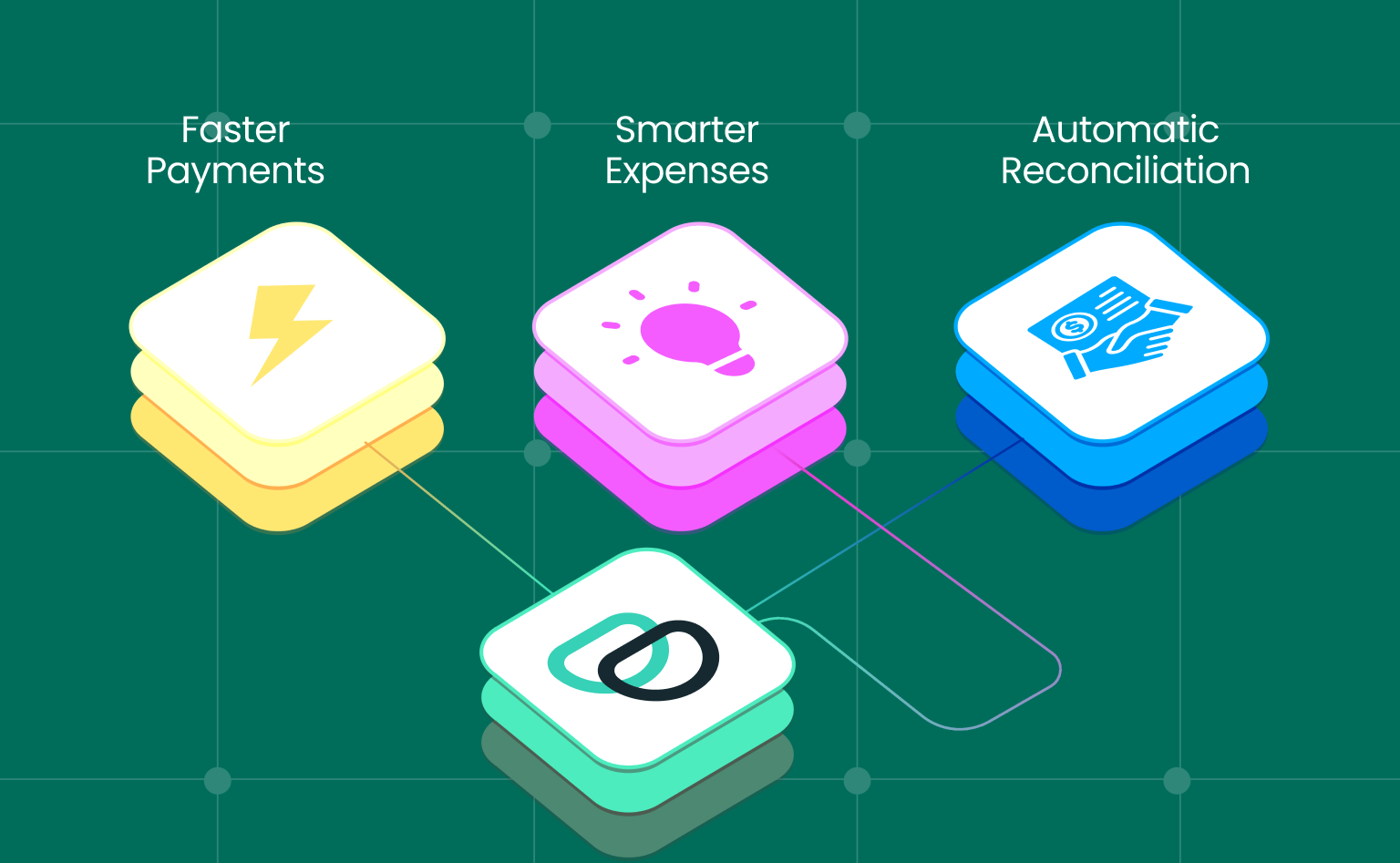
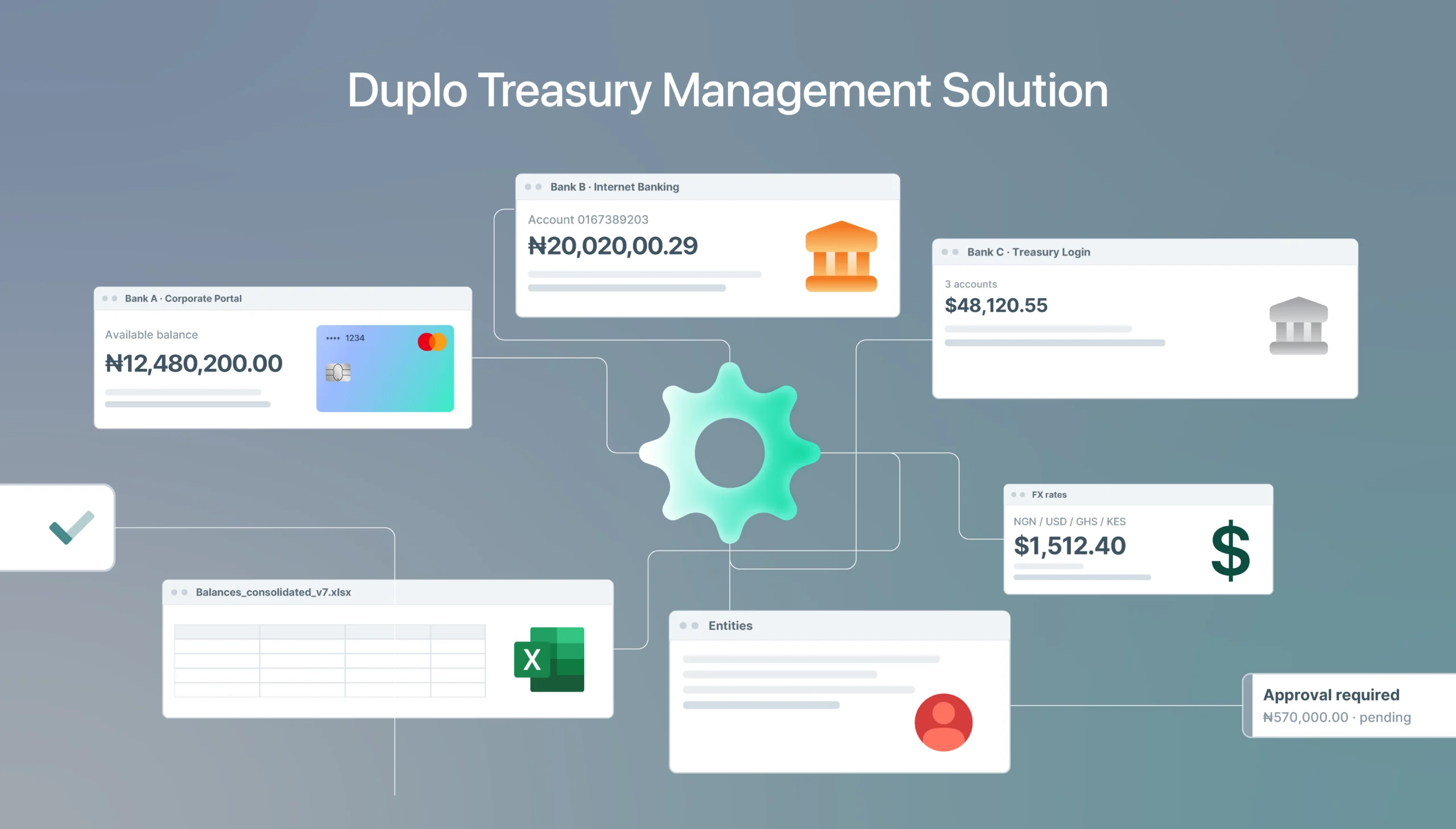
Duplo’s collections product combines a multi-bank virtual account network, real-time webhook notifications, automatic reconciliation, and direct integrations with Xero, QuickBooks, and Sage. Both no-code and API setup paths are fully supported.
For Nigerian businesses processing significant invoice volumes, Duplo eliminates manual collections reconciliation from the moment a payment arrives to the moment it is reflected in your accounting system. Partial payments, overpayments, and discrepancies are flagged automatically. Nothing requires manual intervention unless there is a genuine exception.
For businesses with NRS e-invoicing obligations, Duplo’s dual SI and APP licence means compliance is built into the collections workflow rather than sitting alongside it as a separate process.
? Automate your payment collections today. Sign up here to get started with Duplo.