
Effortless tax management, simplified for your business
Automatically calculate tax-related expenses and generate accurate tax reports.
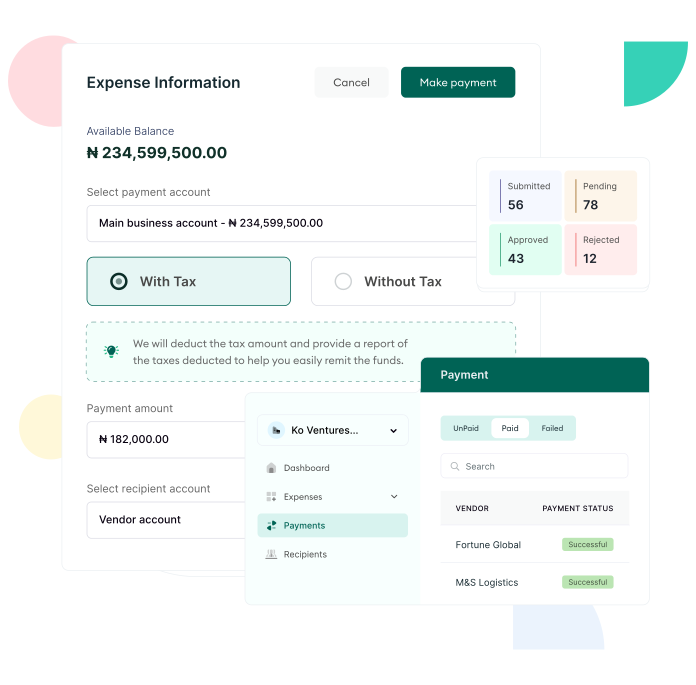
Automatic tax calculation
Accurate Tax Computation
Instantly calculate taxes on all tax-rated expenses as you process payments.
Built-In Compliance
Ensure all tax calculations adhere to regulatory requirements, reducing the risk of errors.
Real-Time Calculation
See taxes applied in real-time, giving you full visibility on tax-related costs.
Seamless tax report generation
Ready-to-File Reports
Automatically generate comprehensive tax reports, streamlining the tax filing process.
Detailed Breakdown
Get a clear view of your tax liabilities across all transactions, to stay compliant
Easy Access
Access tax reports anytime, ensuring you’re prepared for tax season ahead of time.
Simplified compliance and filing
Complete Transparency
Understand exactly which taxes need to be remitted, with all the necessary information at your fingertips.
Hassle-Free Filing
Manage tax obligations and exemptions easily.
Reduced Stress During Tax Season
Automate tax calculations and reports to ensure you're always prepared.
Easily manage and automate your taxes with a streamlined, accurate process.
1
Track Taxable Transactions - All your business transactions are automatically captured and categorized, ensuring every tax-related expense is properly recorded in real time.
2
Calculate Taxes Automatically - Duplo automatically calculates applicable taxes across your transactions, reducing errors and eliminating manual computations.
3
Review and Validate - Finance teams can easily review tax summaries, validate entries, and ensure everything is compliant before reporting.
4
Generate Tax Reports - Instantly generate accurate, audit-ready tax reports, making filing and compliance faster and stress-free.
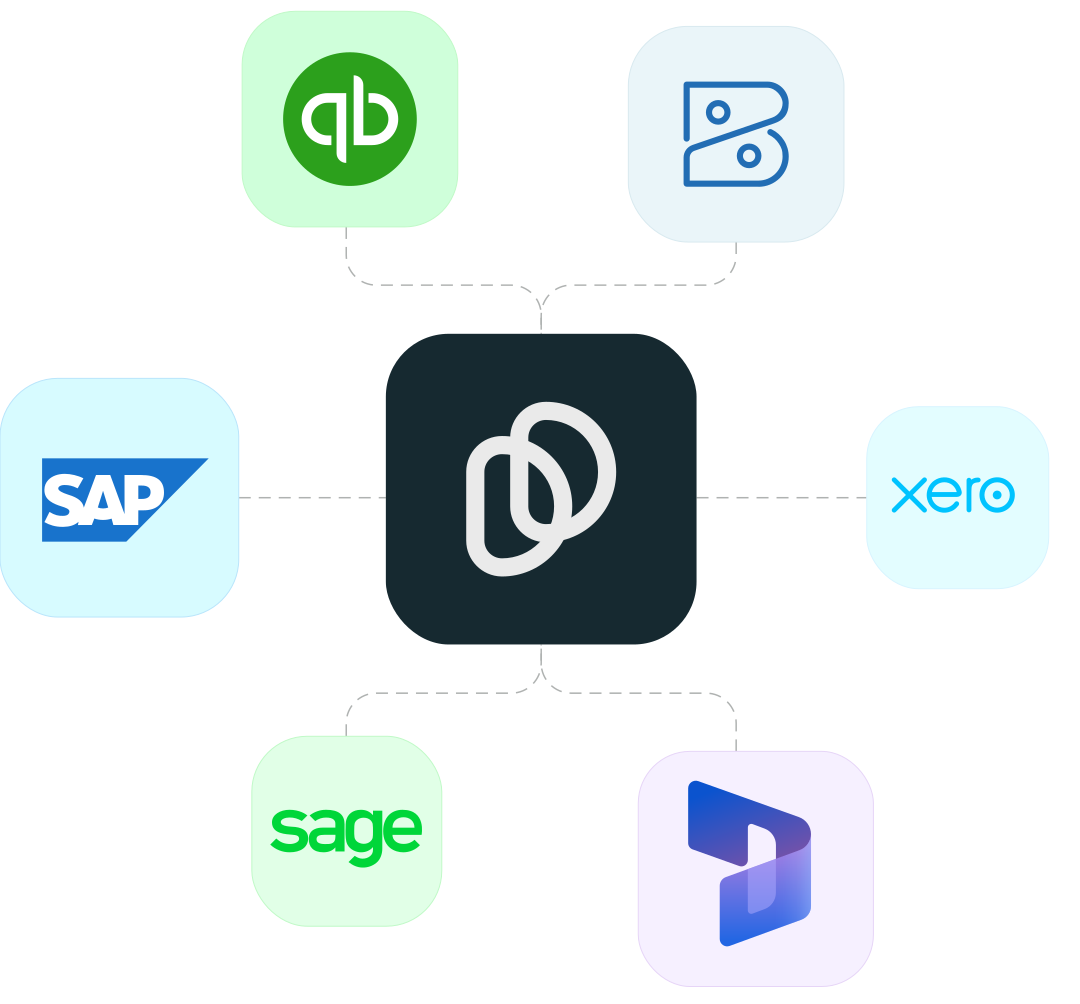
Built to integrate and share data with your finance tech stack
Got questions? We've got answers
How can I set up taxes on my business?
Go to your on Settings, under business settings select ‘Taxes’, and click ‘Create New Tax’.
What is the implication of deleting an existing tax on my business?
- All expenses that has been approved and awaiting payment will still have the record of tax remission.
- All new expenses that haven’t been submitted will no longer have taxes attached to them.
- All new expenses created will no longer include that specific tax
What happens if you reactivate a deactivated tax?
All expenses that have that specific tax attached to them before it was deactivated will be restored.
What happens to existing expenses if I edit a tax that was previously applied to them?
It automatically updates all expenses, including that specific tax, before the payment is made.
Ready to streamline
your financial operations?
Sign up or book a free demo to explore how Duplo supports enterprise businesses with reliable payments, stronger financial controls, and compliant operations across borders.