Enterprise expense management is the process of capturing, approving, controlling, and reconciling every business expense across departments, entities, and locations. Expense management software automates that process. It replaces spreadsheets and chat-based approvals with enforced approval workflows, budget limits, and a live view of spend, so finance teams can prevent overspending instead of finding it at month-end.
Ask an enterprise finance team a simple question: how much did we spend on marketing this month, and who approved it? In many organisations, the honest answer can take days. Expense requests arrive by email and WhatsApp. Receipts sit in inboxes. Budgets live in spreadsheets that nobody updates until the books close.
That gap between when money is spent and when finance finds out is where budgets leak. This guide explains what enterprise expense management is, how real-time spend visibility closes the gap, and what to look for in expense management software. It also shows how Duplo, the financial operating system for African businesses, handles it.
What Is Enterprise Expense Management?
Enterprise expense management is the discipline of controlling employee, departmental, and vendor spend before it happens, and recording it accurately after. It covers expense requests, approvals, budgets, reimbursements, reconciliation, and the audit trail behind each one, across every department, entity, and location.
It differs from simple expense tracking. Tracking records what was spent. Management decides what can be spent, by whom, and against which budget, then proves it. For enterprises with many approvers, cost centres, and bank accounts, that control layer keeps spend aligned with budget.
Why Do Manual Expense Processes Cause Budget Leaks?
Manual expense processes leak budget because controls are applied after the money is spent, not before. Five gaps cause most of the damage:
- Approvals with no budget check. A manager approves a request over chat without seeing what is left in the budget.
- No single view of spend. Data sits across spreadsheets, bank portals, and inboxes, so no one sees total spend by department or entity.
- Inconsistent policy. Different approvers apply limits differently, so identical expenses are treated differently.
- Errors and duplicates. Manual entry and re-entry produce wrong amounts, miscoded categories, and double claims.
- Month-end discovery. Overruns surface when the books close, when it is too late to act.
Processing cost is also high. A 2015 GBTA Foundation study with HRS found that processing an expense report for a single-night hotel stay cost about $58 and took 20 minutes, and that 19% of expense reports contained errors or missing information that cost a further $52 and 18 minutes to correct. The study is more than a decade old and focused on travel, so treat the figures as directional. The pattern holds: manual handling adds cost at every step. For the Nigerian picture, see why Nigerian businesses can no longer afford to manage spend manually.
What Is Real-Time Spend Visibility?
Real-time spend visibility is the ability to see committed and actual spend, by department, category, and entity, as it happens rather than after month-end. It has three parts:
- Committed spend: approved but not yet paid.
- Actual spend: paid and posted.
- Consolidation: one view across departments, locations, and bank accounts.
With all three in one dashboard, finance can intervene while budget remains. Without them, finance can only report on the past.
| Control point | Manual process | Expense management software |
| Approval | Email, chat, or verbal | Routed workflow by amount, department, or category |
| Budget enforcement | Checked after the fact | Limits applied before spend |
| Visibility | Assembled at month end | Live dashboard |
| Policy | Applied inconsistently | Configured once, enforced every time |
| Reconciliation | Manual matching | Automatic matching and posting |
| Audit trail | Rebuilt from messages | Created with every action |
How Does Expense Management Software Prevent Budget Leaks?
Expense management software prevents budget leaks by enforcing controls at the point of approval. Budget leak prevention comes from four mechanisms:
- Budget limits. Set a budget per category or team and block spend that would exceed it.
- Structured approvals. Route each request to the right approver by amount, department, or category, with the budget position visible.
- Live reporting. Give finance current committed and actual spend, plus forecasts based on spend patterns.
- Automatic reconciliation and audit trail. Match transactions to records and log every action as it happens.
Together, these turn spend control from a month-end review into a continuous process.
What Features Should Enterprise Expense Management Software Have?
- Multi-level approval workflows by amount, department, and category.
- Budgets by category or team with enforceable limits.
- A real-time dashboard consolidated across departments and entities.
- Department-level expense accounts and transaction histories.
- Reimbursement handling connected to payments.
- Integration with ERP and accounting systems for reconciliation.
- User access managed by expense category, plus customised reports for audit.
- A direct connection to payments, so approved spend can be paid without re-entry.
How Do You Implement Expense Management Software at Enterprise Scale?
- Map where spend leaks today. Trace one request from submission to reconciliation and note each manual handoff.
- Define policies and thresholds. Set who approves what, by amount and category.
- Set budgets. Create budgets by department and category before go-live.
- Connect your systems. Link ERP, accounting software, and payment accounts so data flows without re-entry.
- Roll out in phases. Start with one or two departments, review the dashboard weekly, then expand.
How Duplo Handles Enterprise Expense Management
Duplo is a financial operating system for African businesses, and expense management is one part of a connected platform rather than a standalone tool. Finance teams create expense accounts by department or category, set custom approval workflows, assign budgets with restrictions that stop spend exceeding the limit, and see all expenses on one consolidated dashboard in real time. Duplo also forecasts cash flow from spend patterns.
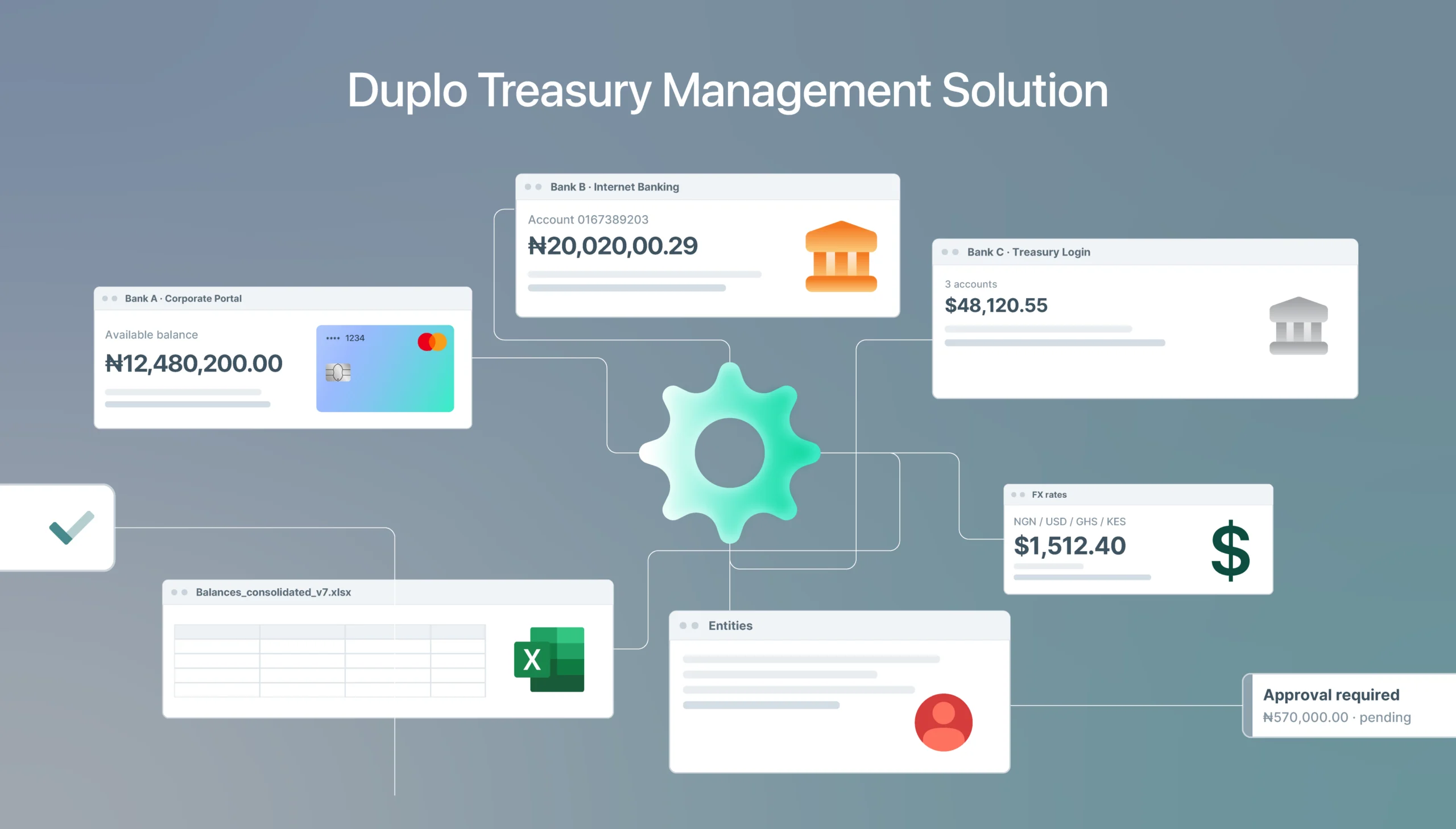
Because expense management sits alongside payments, approved expenses and reimbursements can be paid from the same platform, including in bulk to up to 500 recipients. Duplo integrates directly with Sage, Microsoft Dynamics Navision, and Microsoft Dynamics 365 Business Central so payments and reconciliation stay in sync with the ERP, and custom integrations are available for other systems. Enterprises managing cash across several banks can add Duplo Treasury Management for one consolidated view.
Turret Group, a security company operating across 21 states in Nigeria, moved expense requests, approvals, and tracking into one place. In the words of its Group Managing Director, Adedayo Obatola: “Everyone knows where things stand, and we don’t have to spend time chasing updates.” Marketing agency Prunet Digital replaced WhatsApp and email expense requests with approval workflows in the same way. To see how this works for other teams, read about expense management solutions in Nigeria.
The Path Forward
Budget leaks are not a discipline problem. They are a timing problem. Manual processes tell finance what happened after the money is gone. Expense management software moves control to the moment of approval and gives finance a live view of spend, so overruns are prevented rather than explained.
For enterprise finance teams managing multiple departments, entities, and banks, that shift is the difference between reporting on the past and steering the present. Duplo connects expense management to payments, reconciliation, and treasury in one platform. Start at tryduplo.com/expense-management. Click here to speak with a member of our team today.
Frequently Asked Questions
What is an NRS e-invoicing platform?
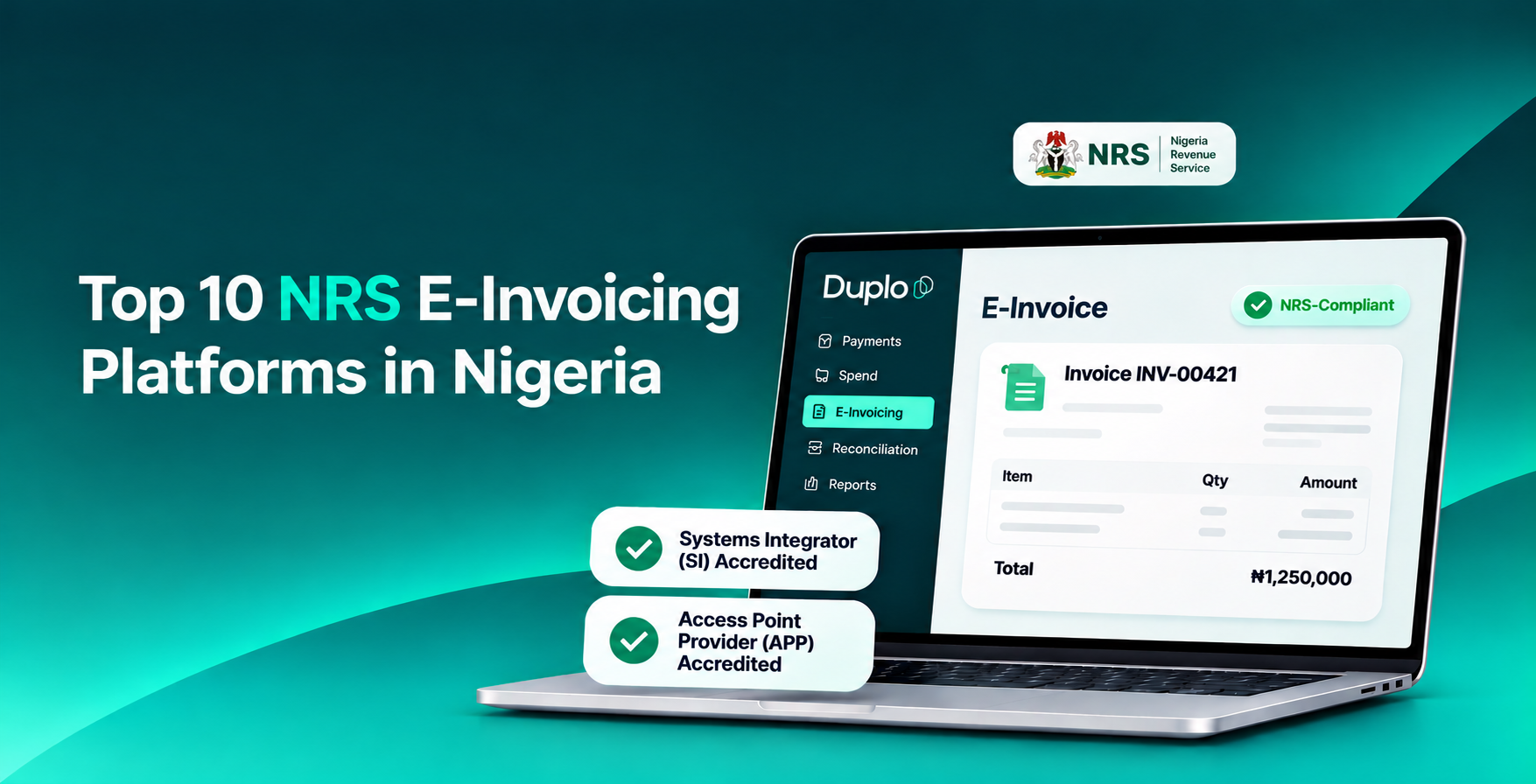
It is software from an NRS-accredited Systems Integrator or Access Point Provider that generates, validates, and transmits your invoices to the NRS Merchant Buyer Solution.
Do I need both an SI and an APP?
You need both functions covered. Some providers, including Duplo, hold both accreditations, so one provider can handle the full chain.
Who must comply with NRS e-invoicing?
Compliance is phased by turnover. Large taxpayers with ₦5 billion and above have passed their 31 July 2026 deadline. Medium taxpayers went live on 1 July 2026, and emerging taxpayers follow in 2027.
Are PDF invoices compliant?
No. Invoices must be structured files validated through the MBS and carry a valid IRN.